Module de disjoncteur intelligent Tuya App 16A bidirectionnel Mini WiFi DIY, minuterie relais, commande vocale sans fil pour Alexa Google Home
Module de disjoncteur intelligent Tuya App 16A bidirectionnel Mini WiFi DIY, minuterie relais, commande vocale sans fil pour Alexa Google Home
Impossible de charger la disponibilité du service de retrait
SPÉCIFICATIONS
Connexion APP: Tuya&Smart Life
Nom de la marque: EARU
Certification: RoHS,CE,ce,ROHS
Choix: oui
Compatibilité: Tous compatibles
Style de contrôle: 2 voies
Courant: 16A
Caractéristique: Télécommande
Caractéristiques: Télécommande
Produit chimique très préoccupant: Aucun
Est-ce un appareil intelligent: Oui
Type d'article: COMMUTATEURS
Matériau: Plastique
Modèle: Disjoncteur WiFi
Numéro de modèle: Interrupteur marche/arrêt
Type de modèle: Interrupteur à télécommande
Origine: Chine continentale
Type de produit: Module de commutation WIFI
Protocole: WiFi 2,4 GHz/Bluetooth
Puissance nominale: 16A 3,45KW
Tension nominale: CA 100-240V
Sécurité: WEP/WPA-PSK/WPA2-PSK
État d'assemblage: Prêt à l'emploi
Type d'interrupteur: Contrôle APP
Garantie: 1 an
semi_Choice: oui
Caractéristique principale :
1. Remplacez facilement votre interrupteur traditionnel pour le rendre intelligent, et vous pouvez également rendre votre interrupteur bidirectionnel existant intelligent, il suffit d'installer 1 interrupteur intelligent DIY.
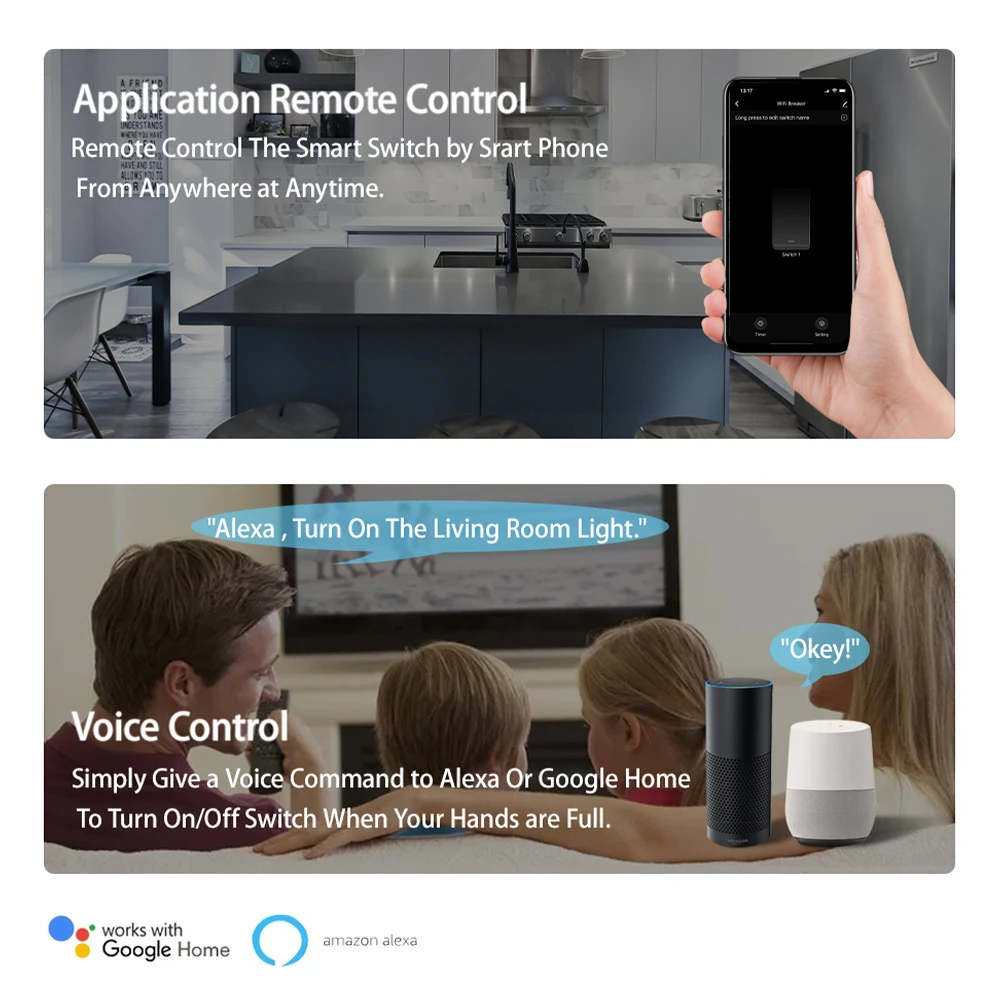
2. Contrôlez sans fil vos lumières ou appareils par la voix ou l'automatisation à l'aide de votre smartphone et d'Alexa ou Google assistants.
3. Le module de commutation DIY AC100-240V 16A avec une charge maximale peut contrôler une large gamme de lumières et d'appareils.
4. Le contrôle Wi-Fi via les réseaux 2,4 GHz de votre téléphone portable fournit la connexion nécessaire au module de commutation DIY sans avoir besoin d'un HUB séparé.
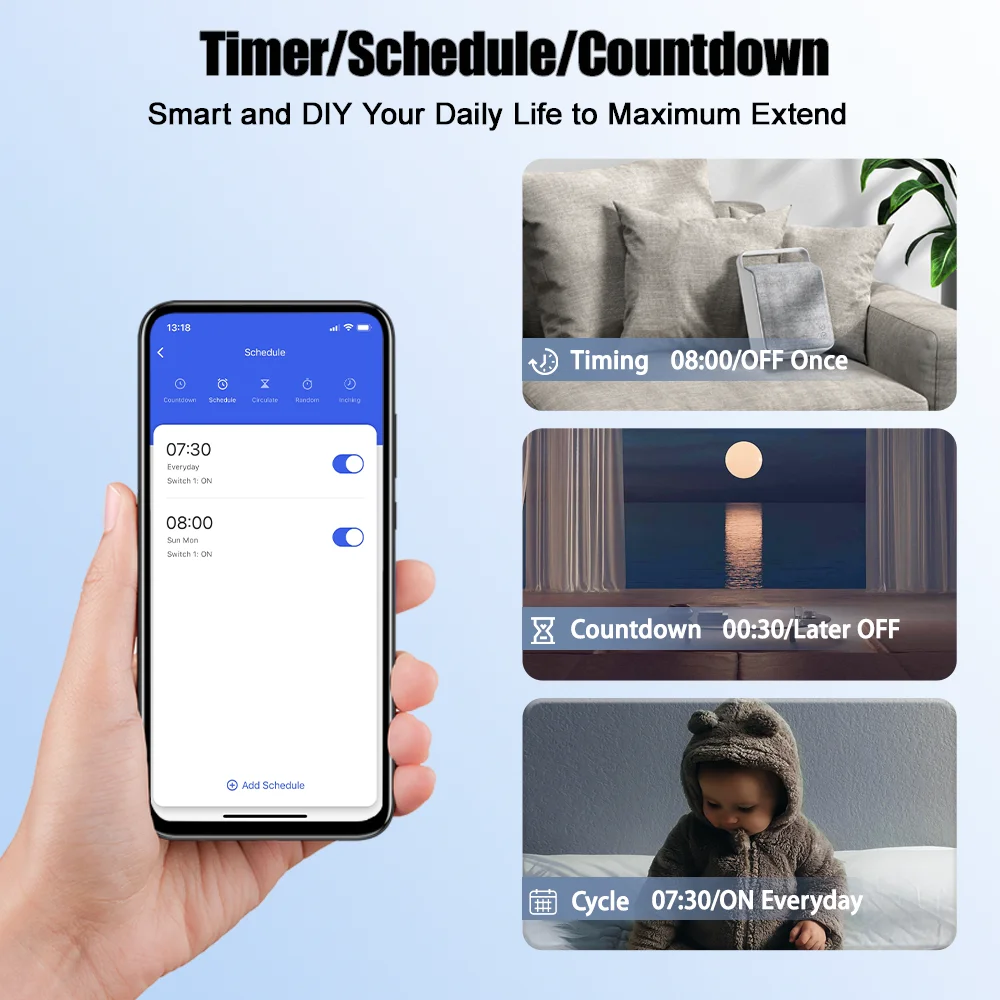
5. Utilise l'application populaire "Tuya/Smart Life", Android/iOS permet un contrôle total de vos lumières ou appareils compatibles. Plusieurs options de programme vous permettent de planifier l'heure exacte pour allumer/éteindre automatiquement les lumières/ventilateurs/etc.
6. Donnez à vos appareils une métamorphose intelligente d'allumage/extinction ultime. Il suffit de câbler ce module DIY entre votre appareil et la source d'alimentation pour convertir presque tous les produits compatibles en un produit intelligent.
Spécifications principales :
Tension d'entrée : CA 100V~240V 50/60Hz
Câblage : Fil sous tension et fil neutre
Courant maximal : 16A
Nom de l'application : Tuya/Smart Life Application
Mode de connexion : WiFi 2,4 GHz/Bluetooth
Durée de vie : 100 000 opérations
2. Créez un compte Tuya/Smart Life.
3. Si vous avez un compte Tuya/Smart Life, connectez-vous simplement.
4. Suivez les indications sur le couvercle de l'appareil pour le câblage.
5. Allumez l'appareil une fois le câblage terminé. L'appareil est allumé par défaut. Appuyez et maintenez le bouton pendant environ 5 secondes jusqu'à ce que la LED bleue WiFi clignote rapidement.
6. Entrez dans l'application et cliquez sur le "+" en haut à droite de la page pour accéder à la page de connexion réseau.
7. Assurez-vous que le voyant de l'appareil clignote rapidement (2 fois par seconde), puis cliquez pour passer à l'étape suivante.
8. Entrez votre WiFi et votre mot de passe.
9. Lorsque la LED WiFi est allumée, l'appareil est en ligne. Commencez le contrôle maintenant !